1
Record a Video
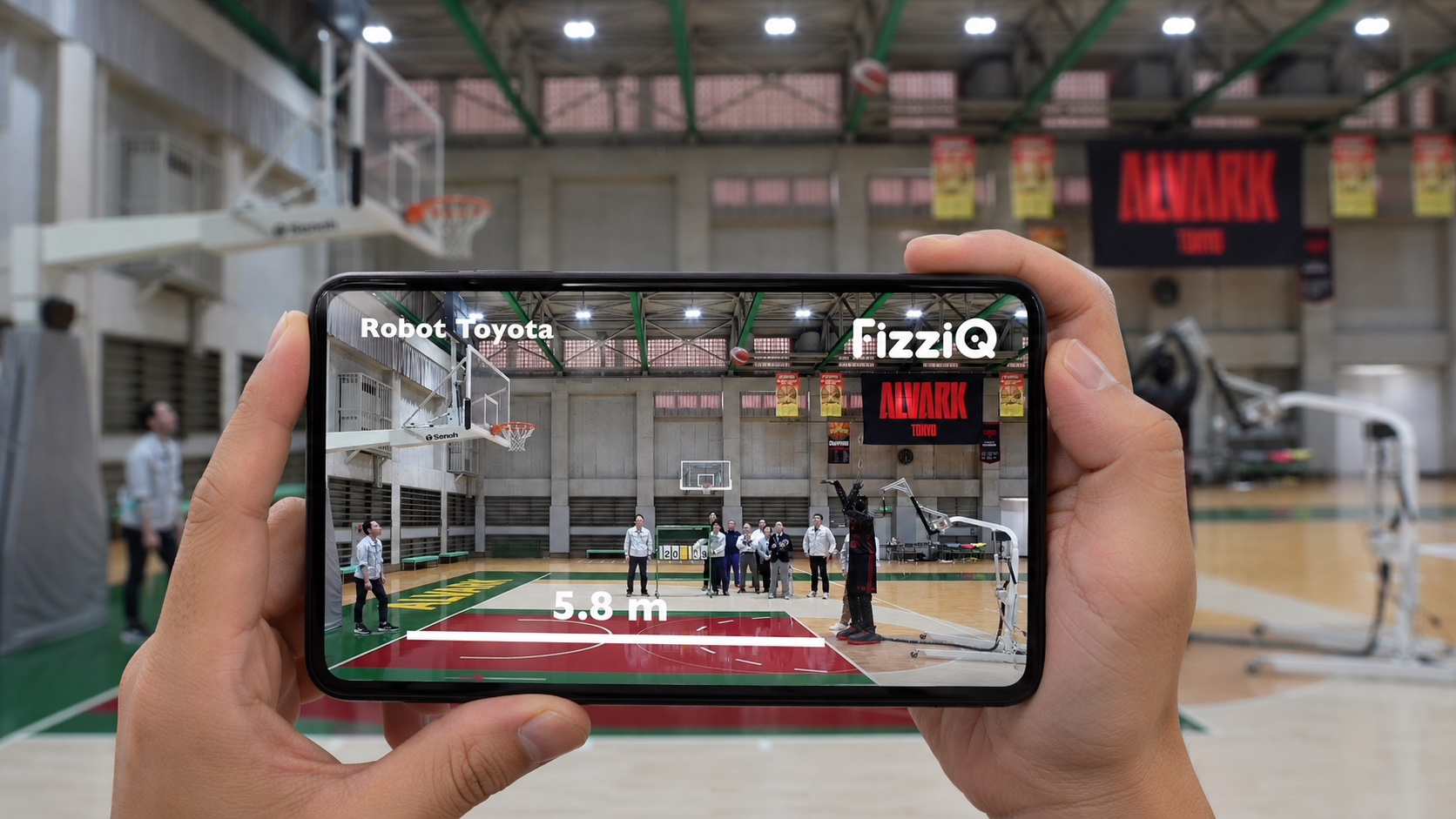
Film the motion with the camera already in the student's pocket.

Turn any filmed motion into real data — position, velocity, acceleration, rotation and energy — on a phone, a Chromebook or in the browser.
Free • No account • No personal data • Mobile & Web
How it works
Film the motion with the camera already in the student's pocket.
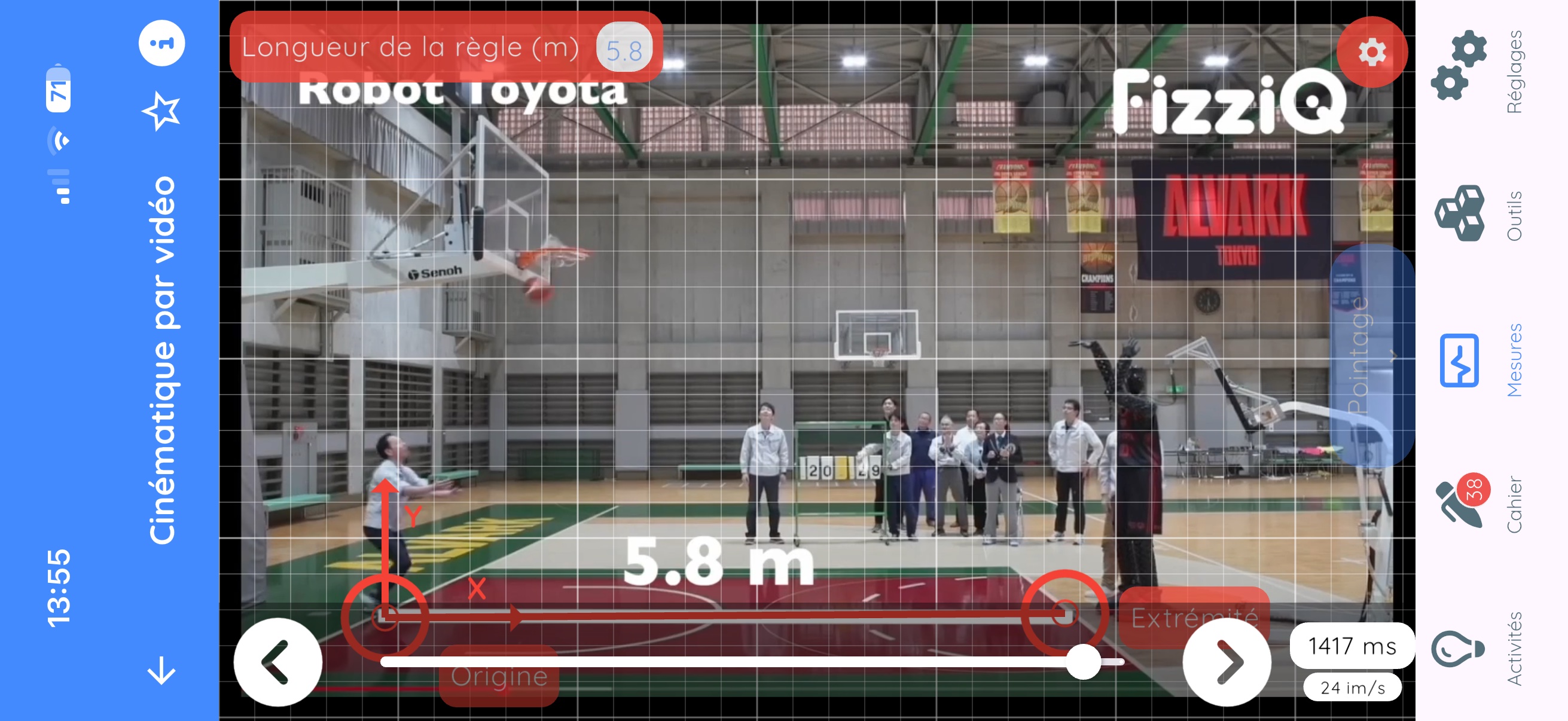
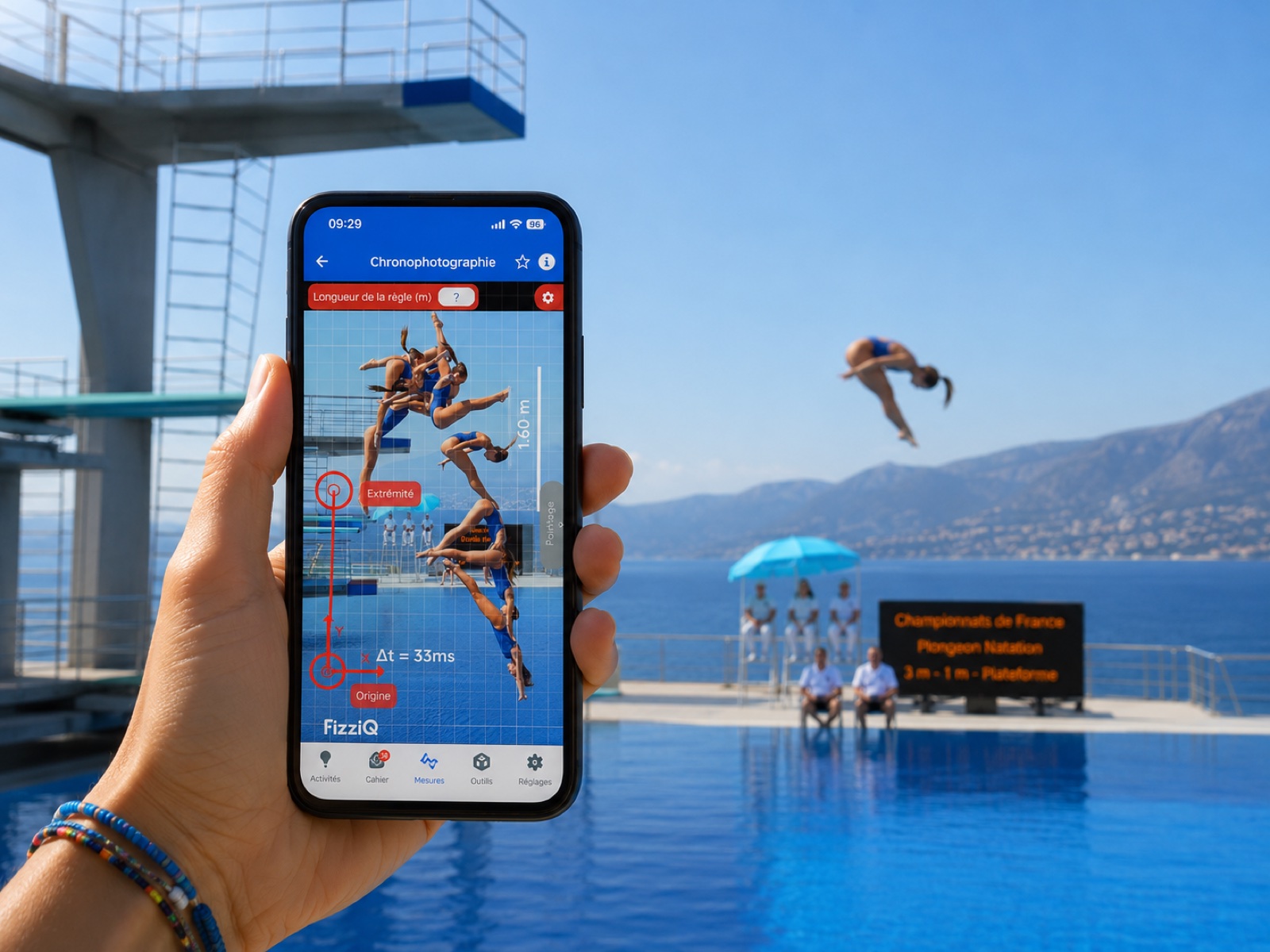
Place a known length in the frame to set the real-world scale, and position the axes.
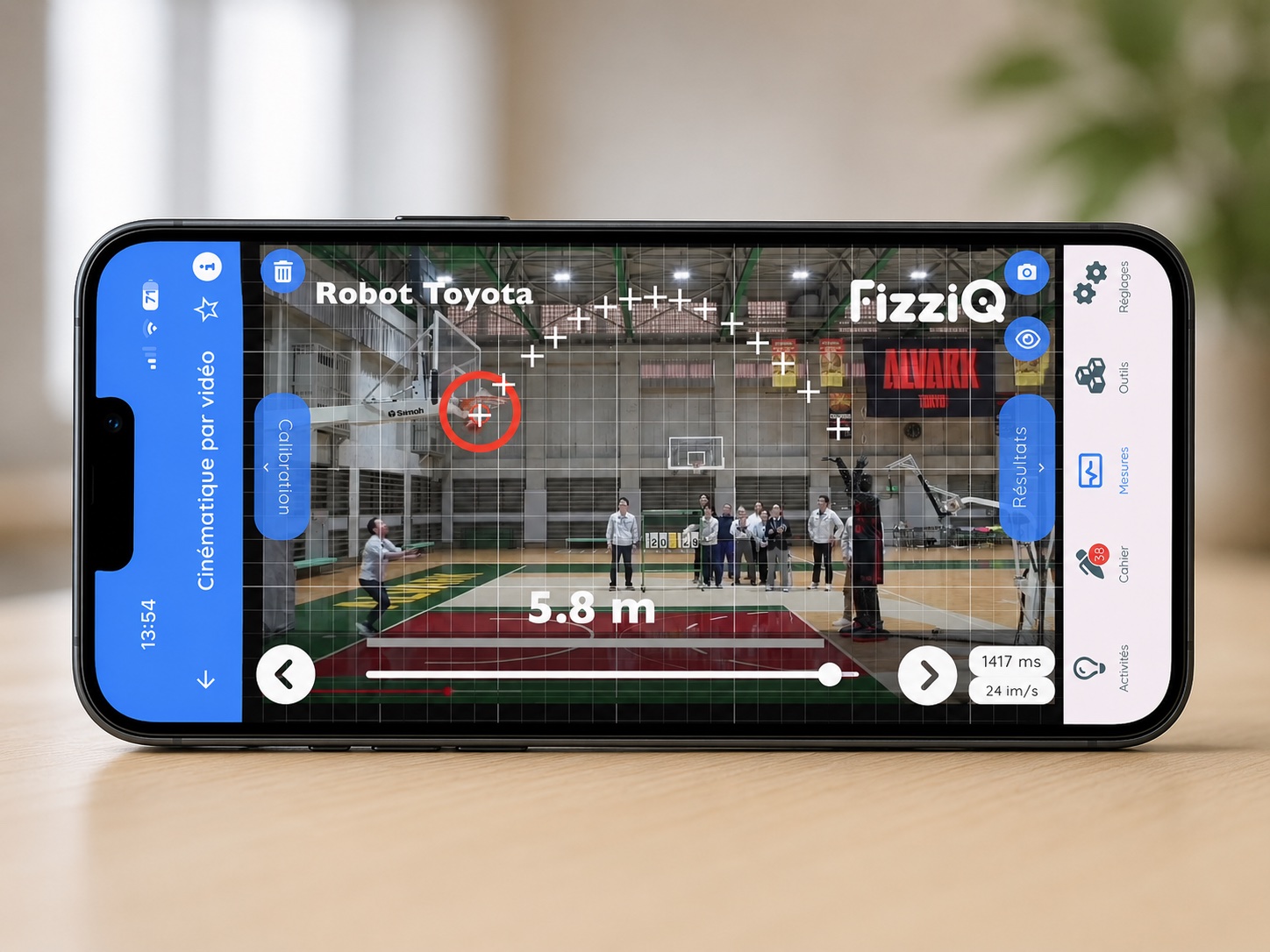
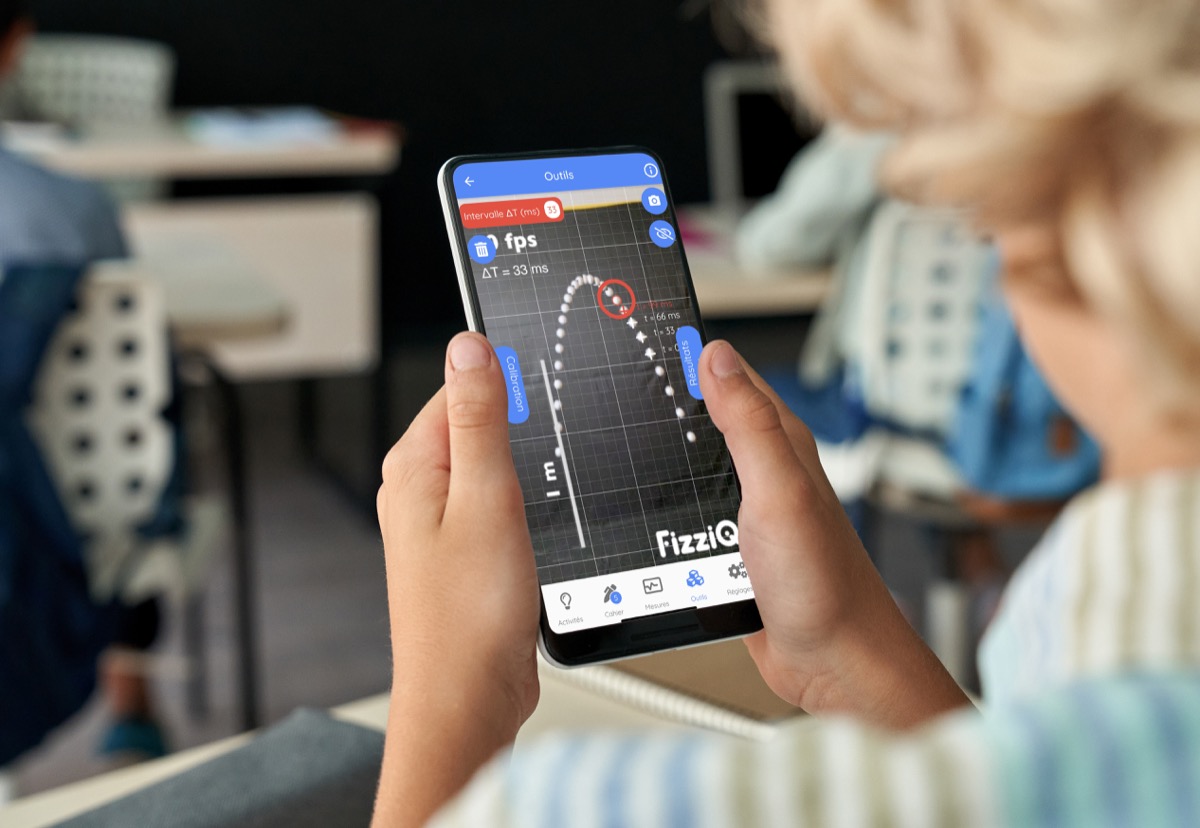
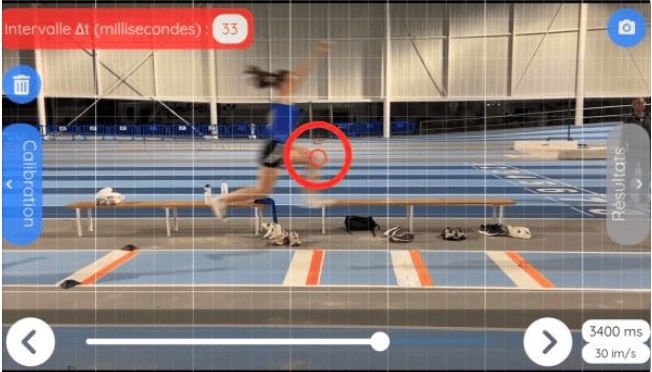
Tap the moving point frame by frame, with pixel precision.
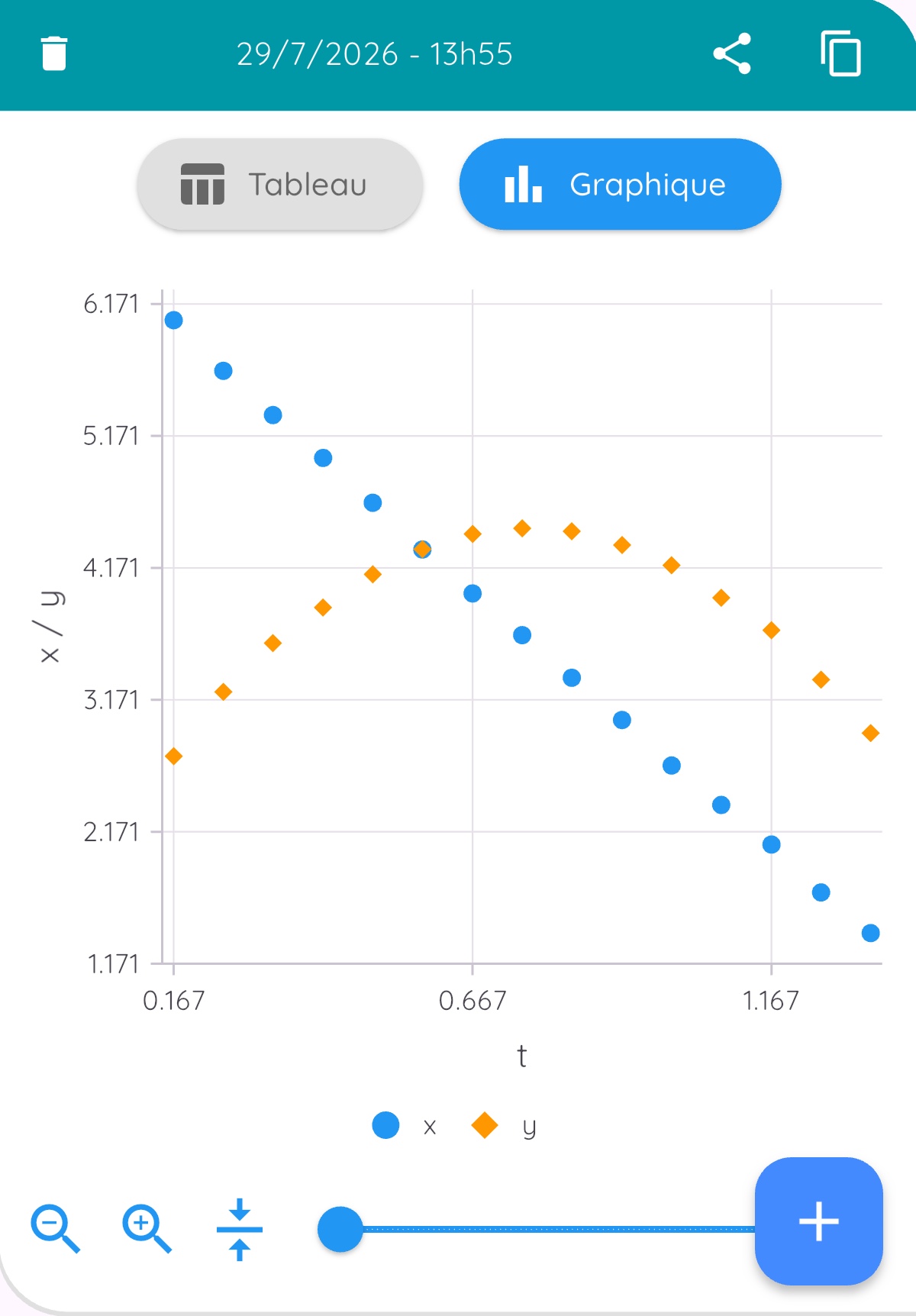
FizziQ plots position, velocity and acceleration — fit a model, measure g, test conservation laws.
Why video analysis
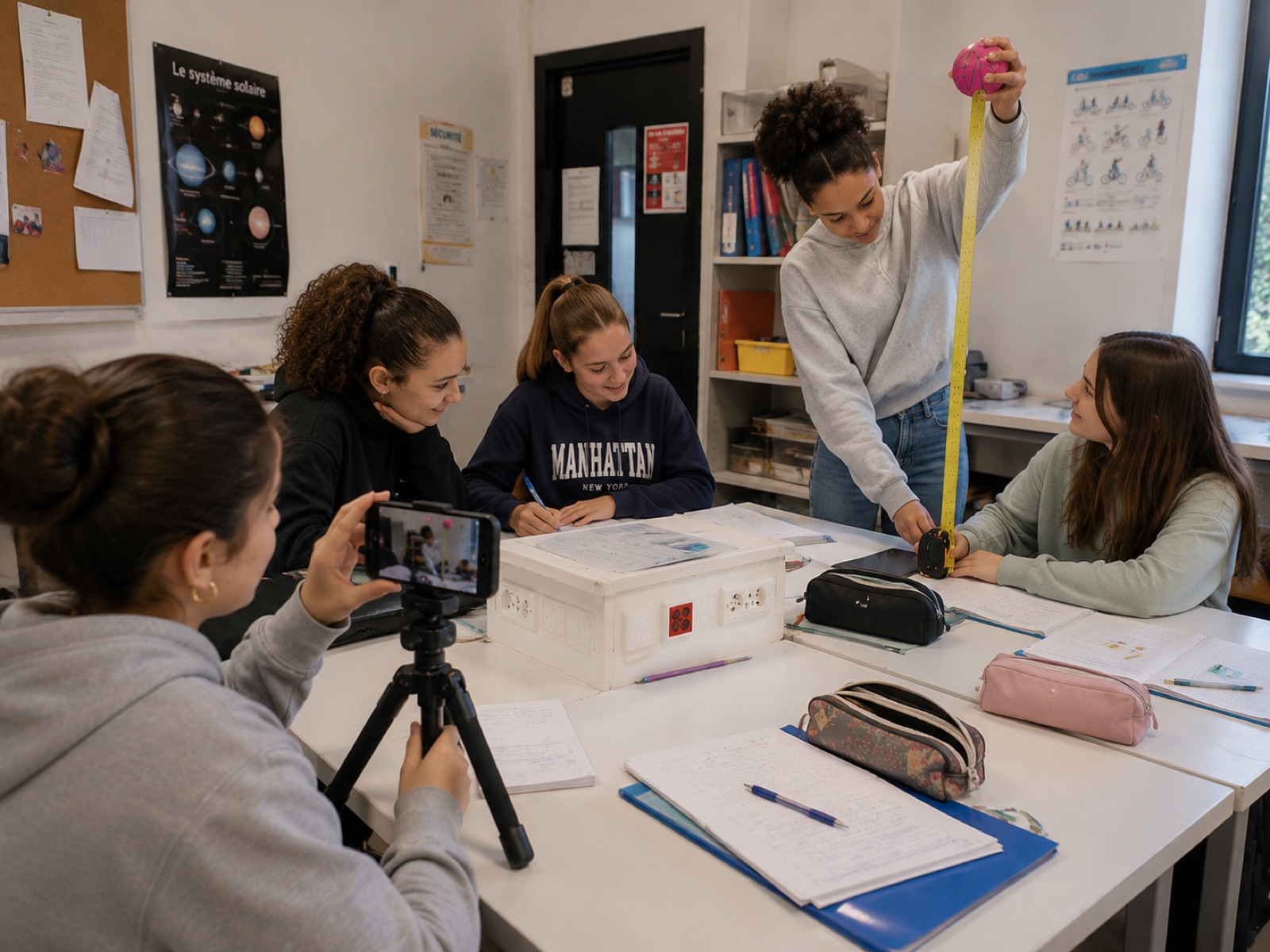
Students analyse everyday movements — a falling ball, a kick, a swing — instead of artificial setups.
They film, calibrate and measure themselves. Students become researchers.
From observation to mathematical modelling, in one continuous session.
Measurements
The same quantities from videos and chronophotographs alike — explore the chronophotographs →
Track x and y coordinates frame by frame, in real units.
Instantaneous and average velocity, along each axis or as a norm.
Linear and angular acceleration, derived from smoothed data.
Kinetic, potential and mechanical energy, once the mass is entered.
Angular position and angular velocity for spinning or swinging bodies.
Tools

Two ways to work
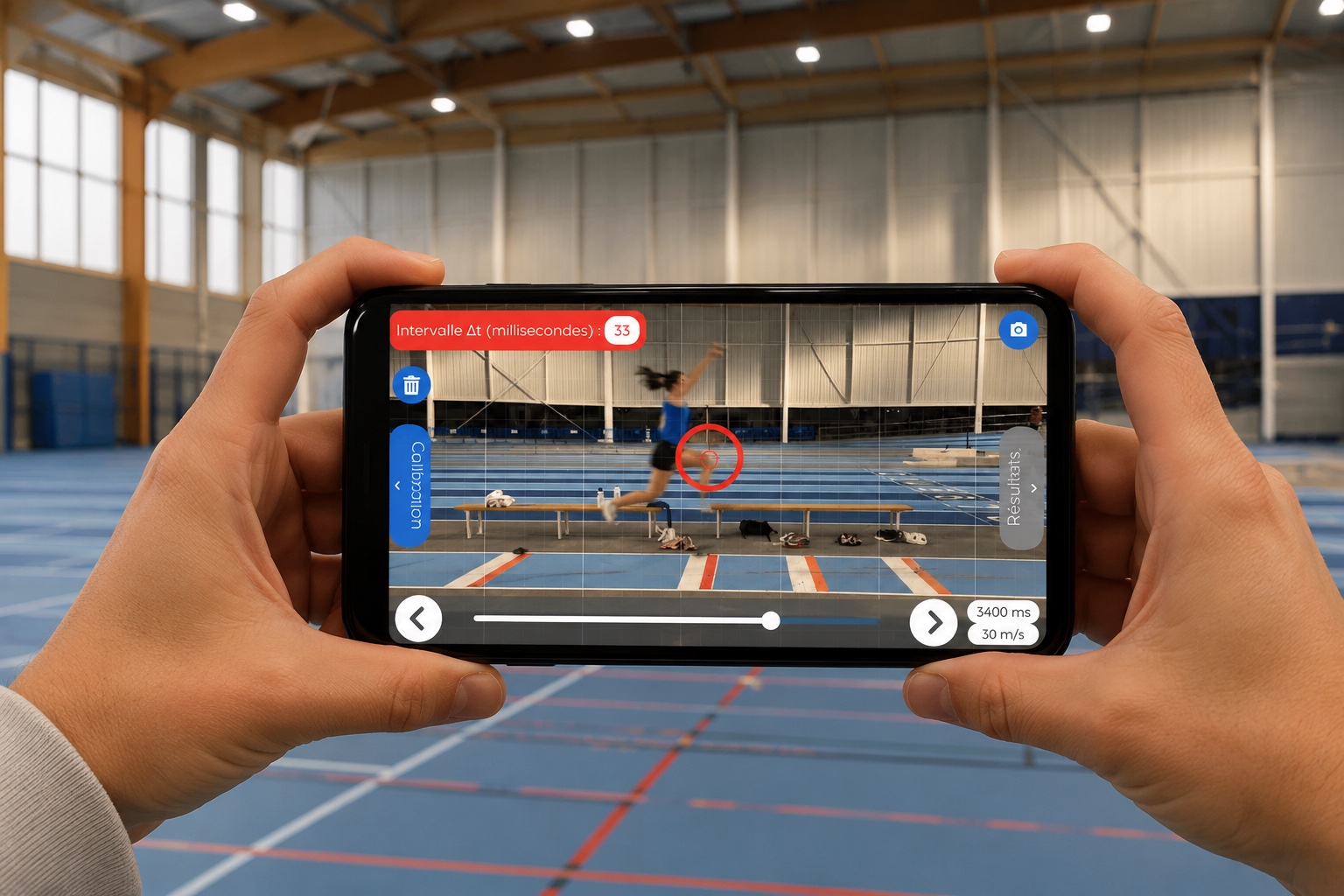
iPhone, Android, tablet
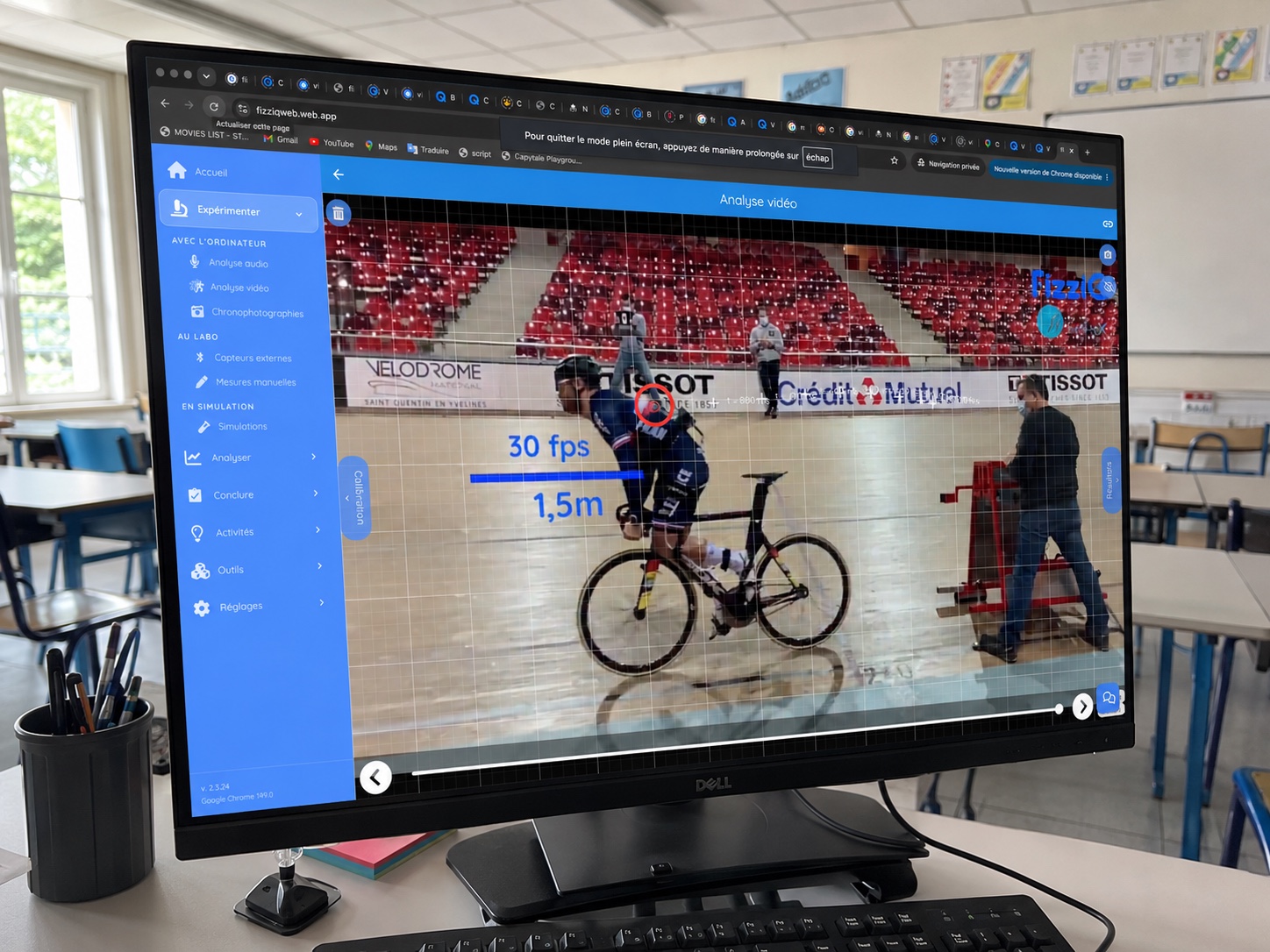
Chromebook, Windows, macOS, Linux
Experiments

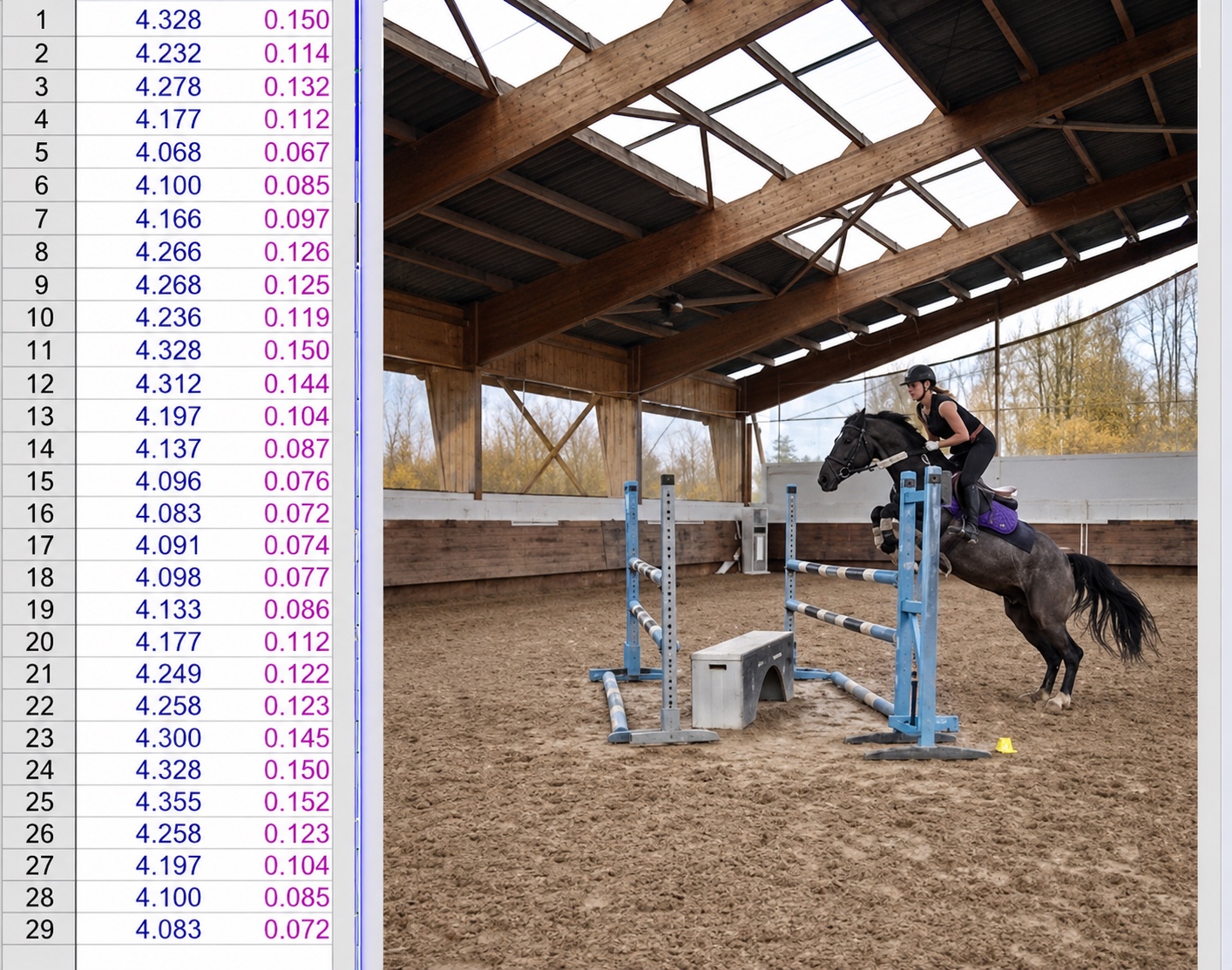
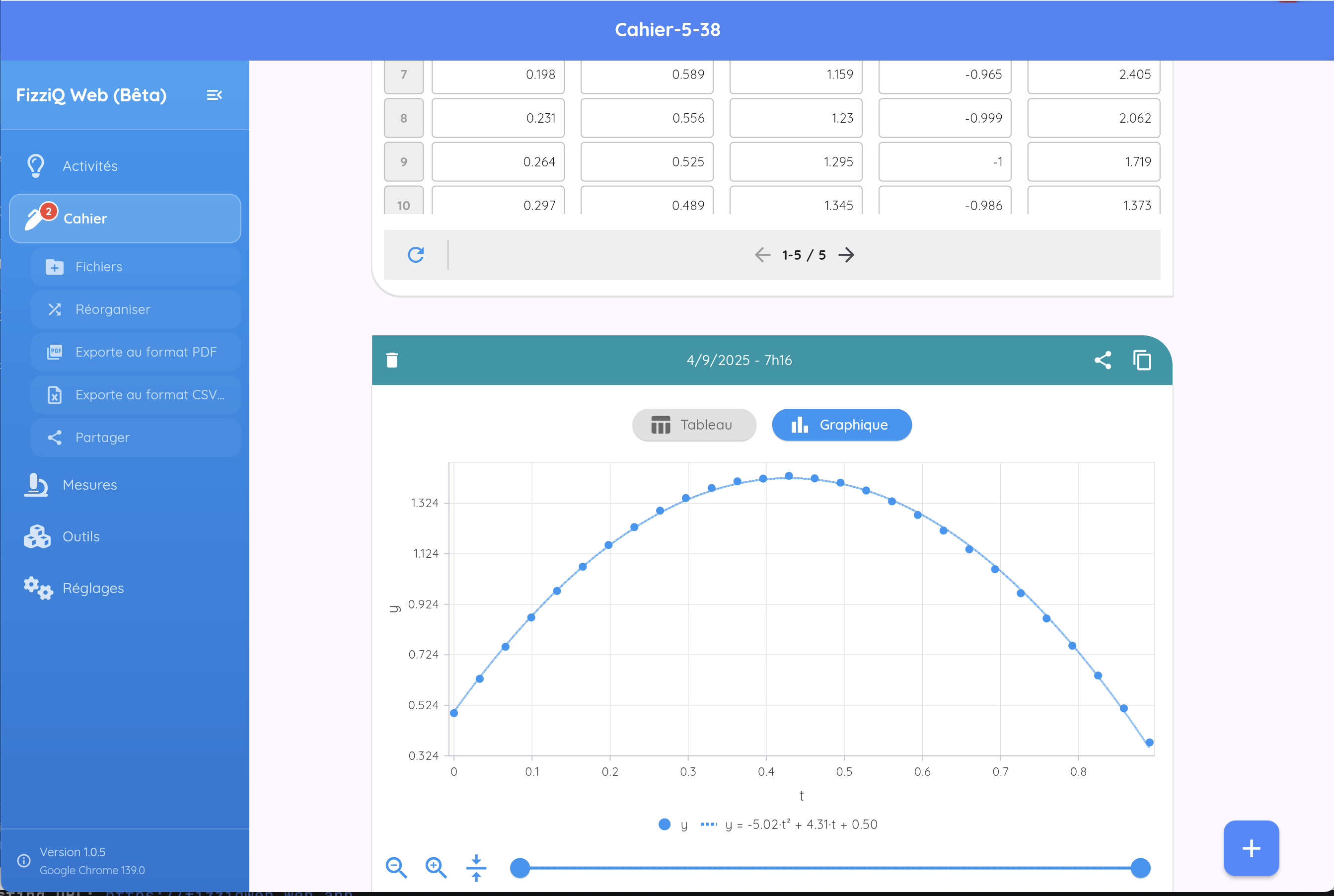
Measure g by fitting a parabola to the positions.

Decompose a trajectory into independent x and y motions.

Period, amplitude and the exchange between kinetic and potential energy.

A constant speed with a continuously turning velocity vector.

Test the conservation of momentum and energy.

Analyse a jump, a kick or a serve frame by frame.
Built-in library
FizziQ ships with ready-to-analyse kinematics videos and chronophotographs — sport, free fall, collisions. The session goes to the analysis, not the logistics.
Browse the library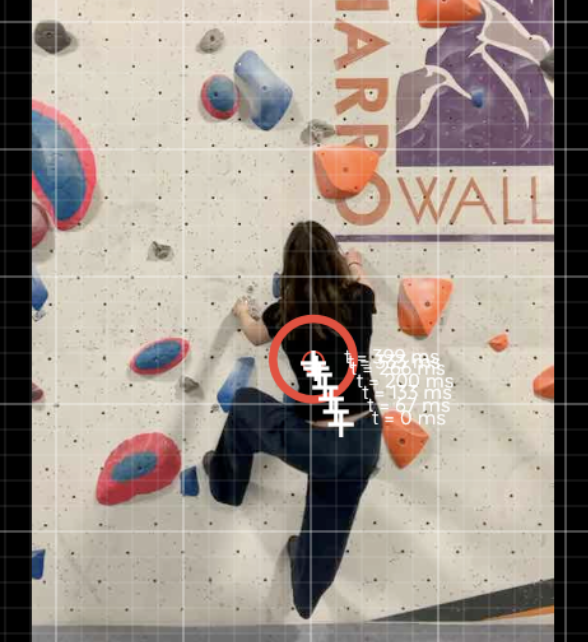

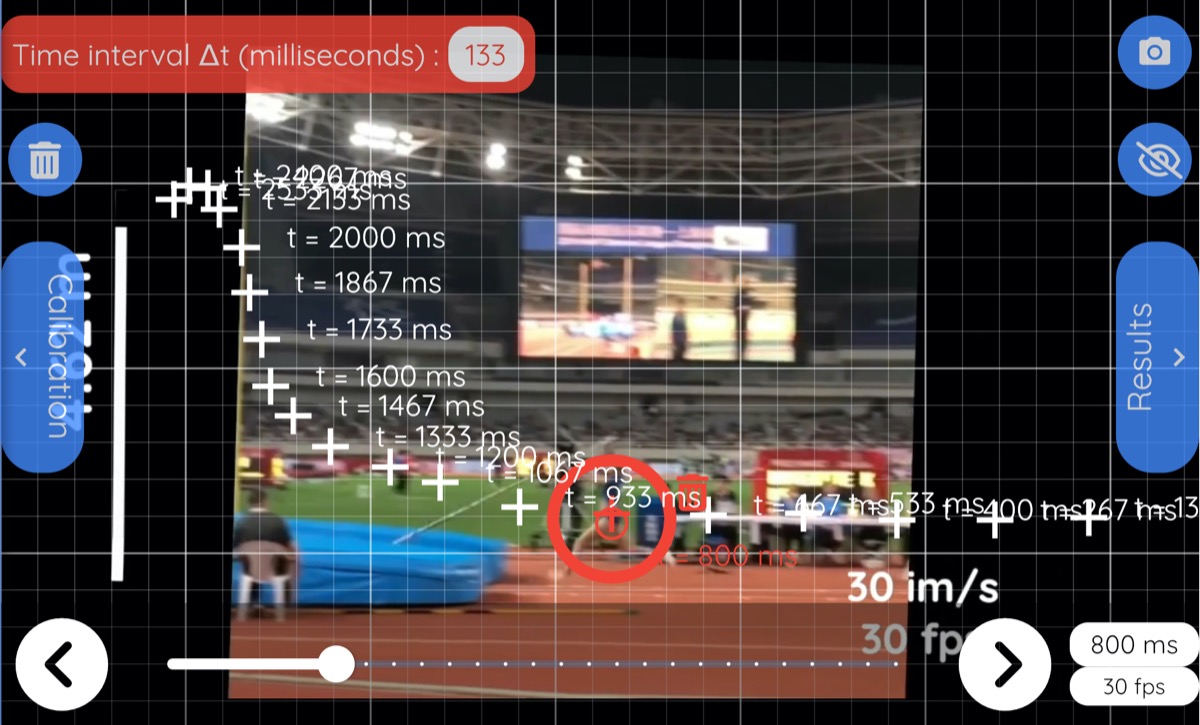
Reference guide
Calibration, frame rates, uncertainty, graph interpretation and ready-made classroom experiments — the full method, in one guide.
Read the Complete GuideVideo analysis studies motion by marking an object's position frame by frame. From those positions, FizziQ computes velocity, acceleration and energy — turning an ordinary video into a quantitative measurement.
Yes. A smartphone films the motion and FizziQ analyses it on the same device, with no extra equipment. FizziQ also runs on tablets, and FizziQ Web on any computer or Chromebook.
Position, displacement, velocity, acceleration, angular position and angular velocity — and, once the object's mass is entered, kinetic, potential and mechanical energy.
Yes. FizziQ Web runs in the browser with no installation, on Chromebooks, Windows, macOS and Linux.
FizziQ and FizziQ Web are completely free, with no ads, no account and no personal data collection.
Yes. FizziQ has a dedicated chronophotography mode and a built-in library of chronophotographs, alongside video analysis.
Yes. Measurements export as CSV for spreadsheets, as PDF, and as Python for further processing.
No, and this is a deliberate pedagogical choice: in FizziQ, positions are marked by hand, frame by frame. Marking the points themselves makes students truly observe the motion, become aware of the errors that can occur and understand how the data they then analyse is produced. Automatic object tracking would deliver ready-made data and bypass this learning of the data acquisition process. The absence of auto-tracking in FizziQ is intentional: it is a pedagogical asset, not a limitation.
Free, no sign-up, in the app or in the browser.