
Science on the big screen
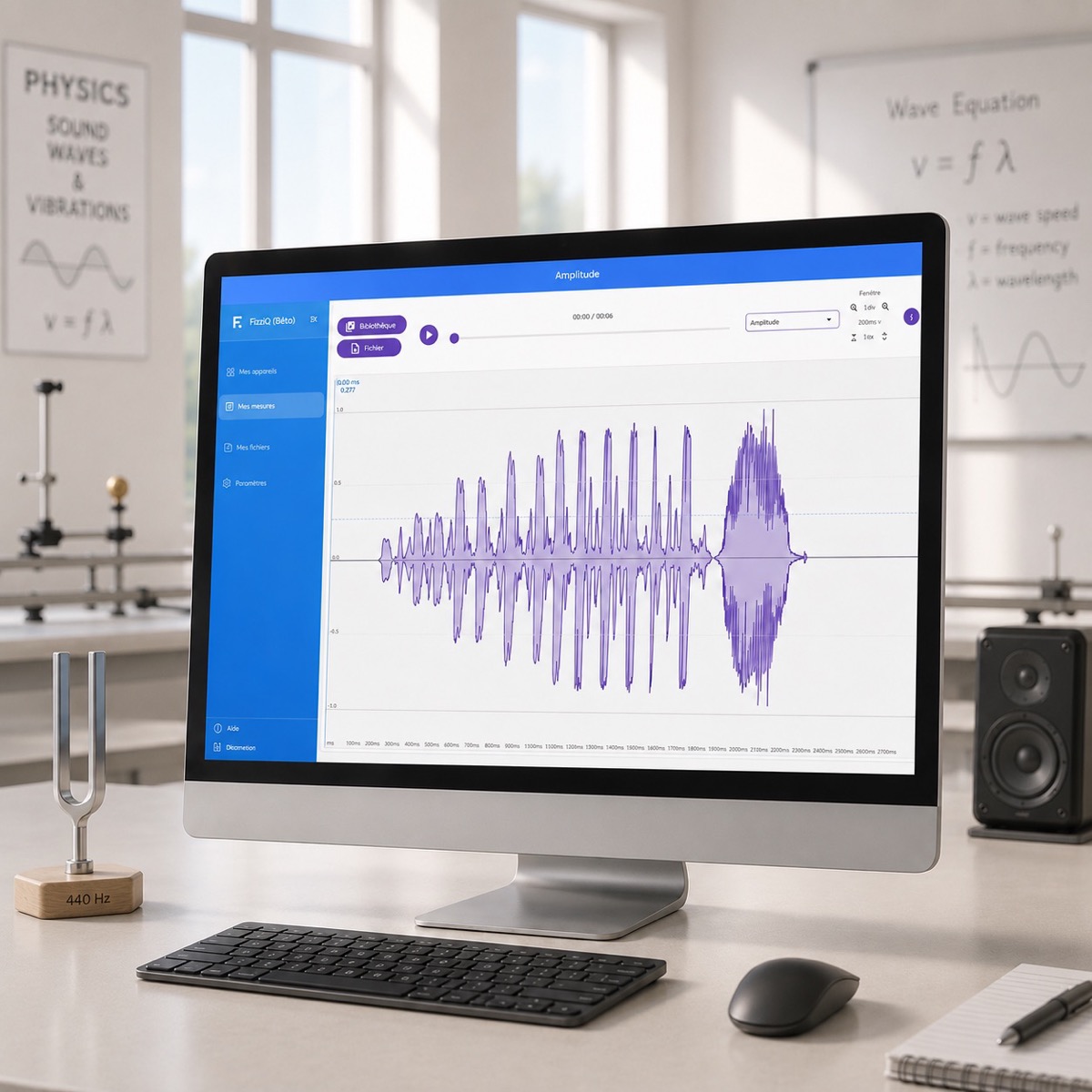
FizziQ Web turns any computer into a scientific laboratory. Audio analysis, video kinematics, simulations and external sensors — right in the browser, with nothing to install.
Science accessible everywhere
When the smartphone isn't an option, FizziQ Web takes over on any computer with a modern browser.
Smartphone ban
The ideal alternative when smartphones are not allowed in class. Works on the school's computers.
Chromebooks
A native solution for schools equipped with Chromebooks. No app installation required.
Large screen
A more comfortable interface for analysing data, plotting graphs and writing scientific reports.
Everything you need to experiment
A complete suite of scientific analysis tools, optimised for the large screen.
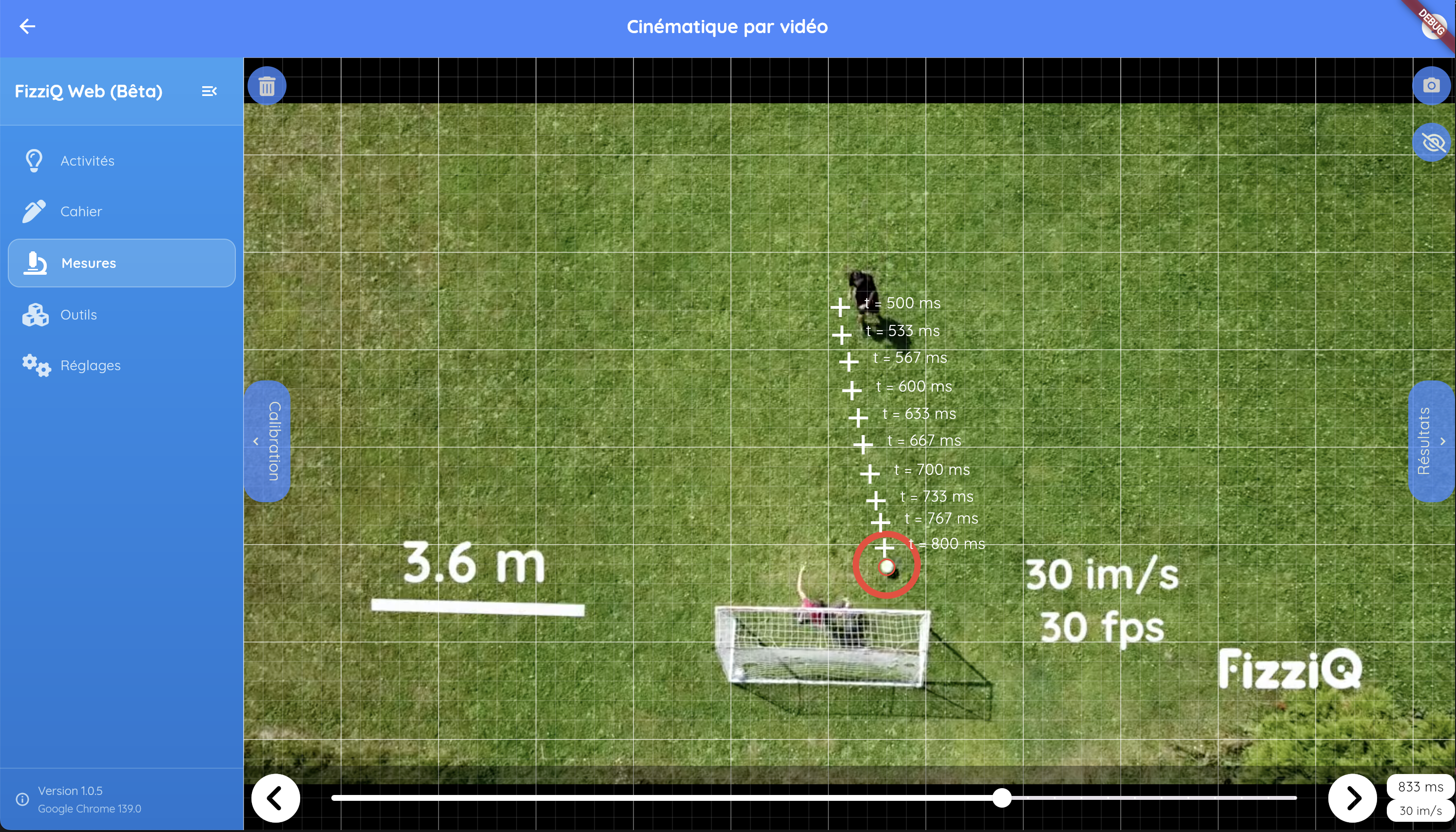
Kinematic analysis
Import videos or chronophotographs, point-by-point tracking with the mouse, calculation of positions, velocities, accelerations and energies.
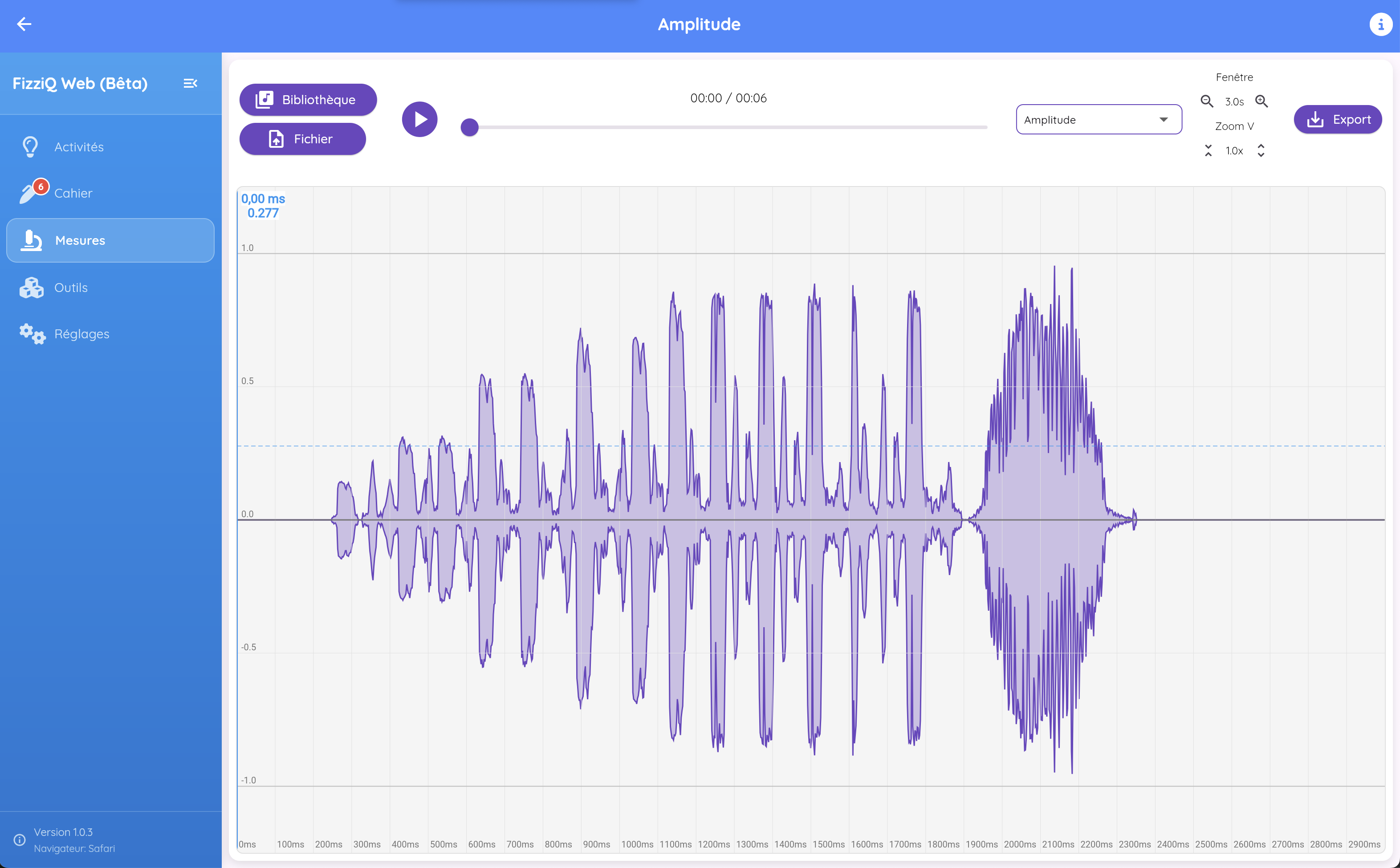
Advanced audio analysis
Spectrogram, oscillogram with min/max. Analyse audio files with precision on a large screen.
Interactive simulations
Oscillator, projectile, pendulum and other simulations to study phenomena that are hard to reproduce.
External sensors
FizziQ Connect, Arduino, micro:bit or ESP32 over Bluetooth or USB.
Scientific spreadsheet
Tables, mathematical formulas and automatic graphs.
Multiple exports
PDF, CSV/Excel, Python or image for your reports.
Motion in detail
Kinematic analysis is one of the most used features in FizziQ. FizziQ Web brings the complete video analysis that made it successful on mobile devices.
- Import videos (many formats) or chronophotographs
- Point-by-point tracking with the mouse
- Automatic calculation of positions, velocities, accelerations
- Rotation analysis and energy determination
- Easy data export and sharing
Using the mouse on a computer and the large screen make analysis easier, with access to the vast library of videos and chronophotographs. Learn the full method in our complete guide to video analysis and chronophotography.
Sound in every form
In FizziQ Web, you work with sound files that are easily accessible on a computer rather than the live microphone.
The audio analyser includes advanced features: spectrogram, min/max display for the amplitude oscillogram, and easy navigation through the file on a large screen.
Users still have access to the FizziQ sound library and can download other files to suit their teaching. To go further, read our complete guide to measuring and analysing sound with a smartphone or computer.
FizziQ Web makes acoustics easier for middle and high school.
Explore complex phenomena
FizziQ Web lets you explore interactive scientific simulations that complement real experiments.
These simulations make it possible to study phenomena that are hard to reproduce in class or that require special conditions. Students can adjust parameters, observe effects in real time and test hypotheses with no material risk.
Simulations are integrated directly into the experiment notebook: you can save captures, analyse results and compare the data with those from real experiments.
Discover 8 experiments with the simulation module →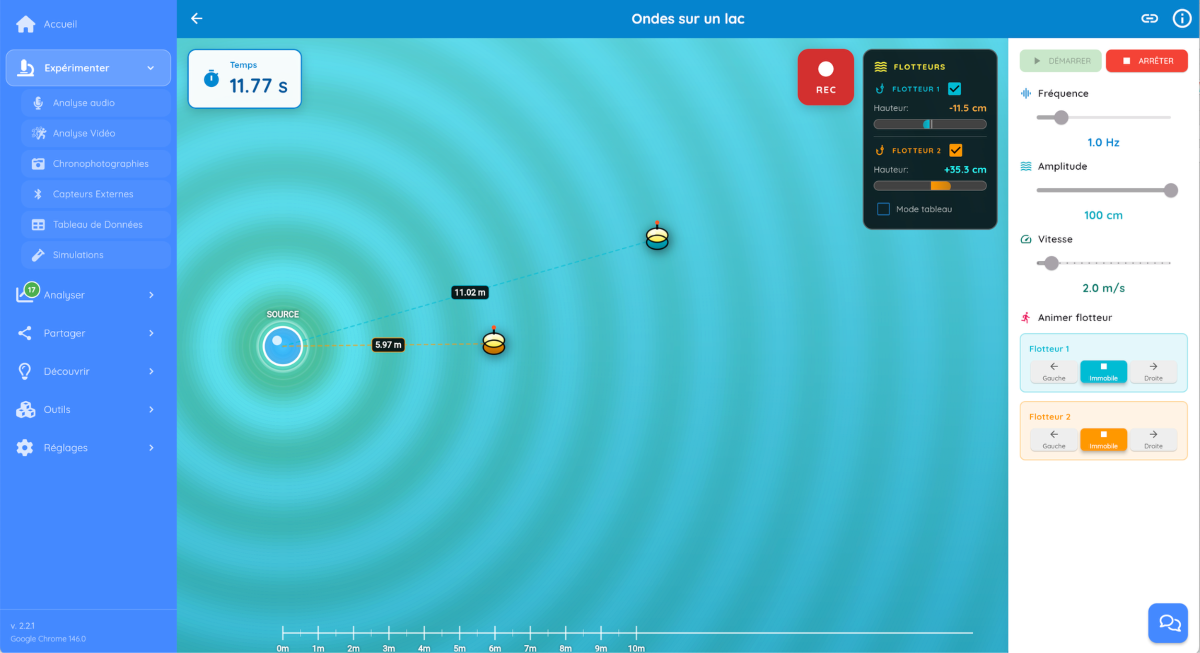
Extend the laboratory without limits
Even though computers don't have built-in sensors like smartphones, FizziQ Web can connect to a wide range of external sensors.
Over Bluetooth, you can use microcontrollers such as Arduino, micro:bit or ESP32, or dedicated boxes like FizziQ Connect.
- Temperature, pressure, light
- CO₂ concentration
- Distance, electrical voltage
- And many more…
This turns FizziQ Web into a genuine data-logging (computer-assisted experimentation) platform — accessible and flexible.
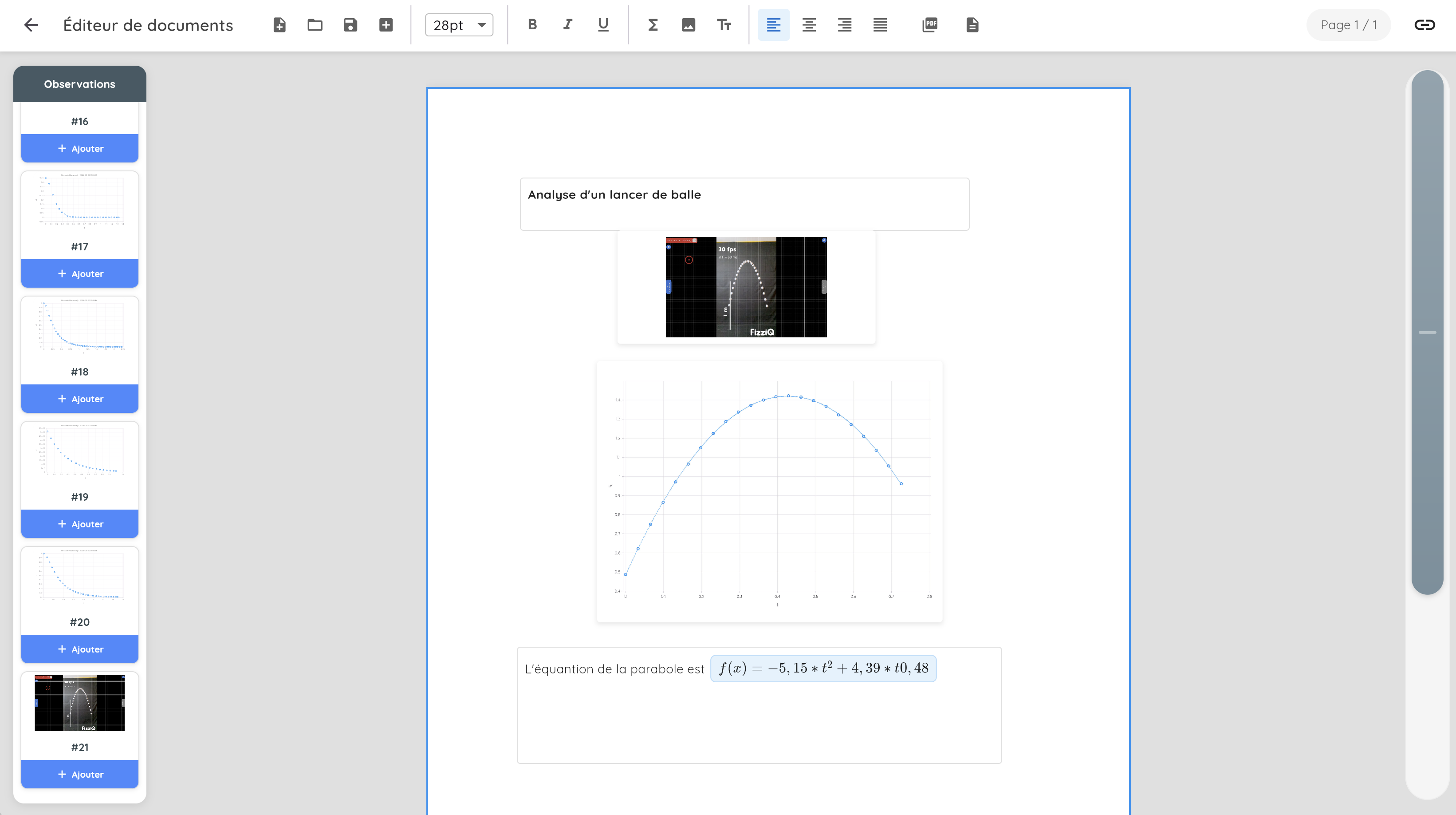
Analyse data efficiently
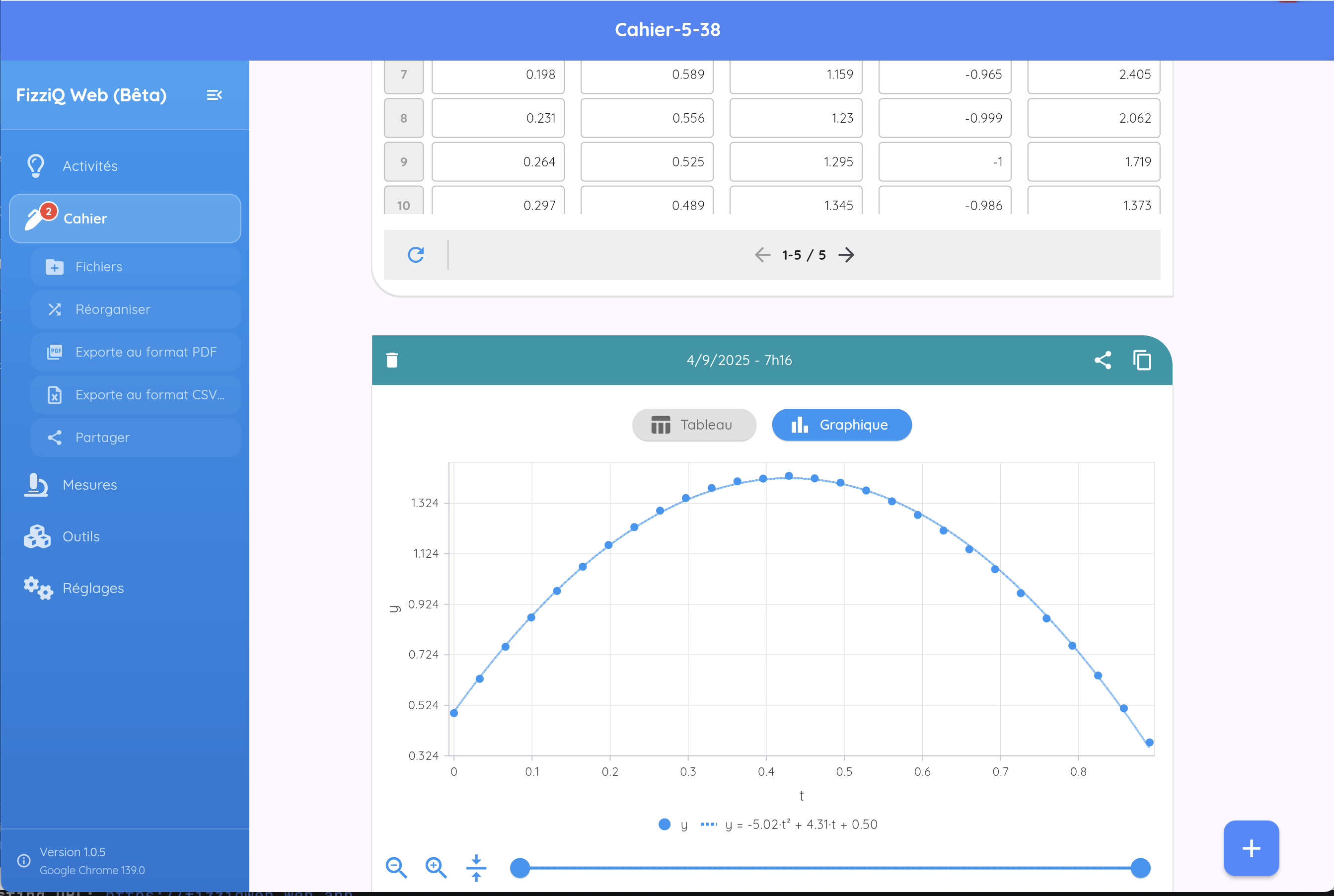
The spreadsheet built into FizziQ Web lets you analyse experimental data quickly, with no external software.
Students can build tables of values, use mathematical or statistical formulas and automatically generate graphs suited to their measurements.
Interpolations (linear, quadratic, exponential…) make it easier to study relationships between physical quantities.
The spreadsheet also exports data to other formats such as Excel (CSV), PDF or Python.
To go further, learn how to process your measurement series (spreadsheet, Python, modelling) and assess their uncertainty.
Zero installation, zero friction
FizziQ Web is built for simplicity: nothing to install — just open a browser and go to fizziqweb.web.app.
This bypasses the IT constraints of schools (installation rights, updates, locked images) and reduces the teacher's preparation to… sharing a link.
Updates happen automatically on the server side: everyone always uses the latest version, with nothing to do.
FizziQ also exists…
FizziQ
The lab that fits in your pocket: 50+ measurements with the device's sensors.
Discover → Ages 7–12FizziQ Junior
The digital experiment notebook for younger students, on tablet.
Discover → External sensorsFizziQ Connect
A Bluetooth box that connects dozens of off-the-shelf sensors to FizziQ.
Discover →Try it now
No sign-up required. Open your browser and go.